A QR code is a convenient way to open a web address, join a network or begin a payment. Its main weakness is also its defining feature: people cannot read the destination by looking at the pattern. The link stays hidden until a device decodes it.
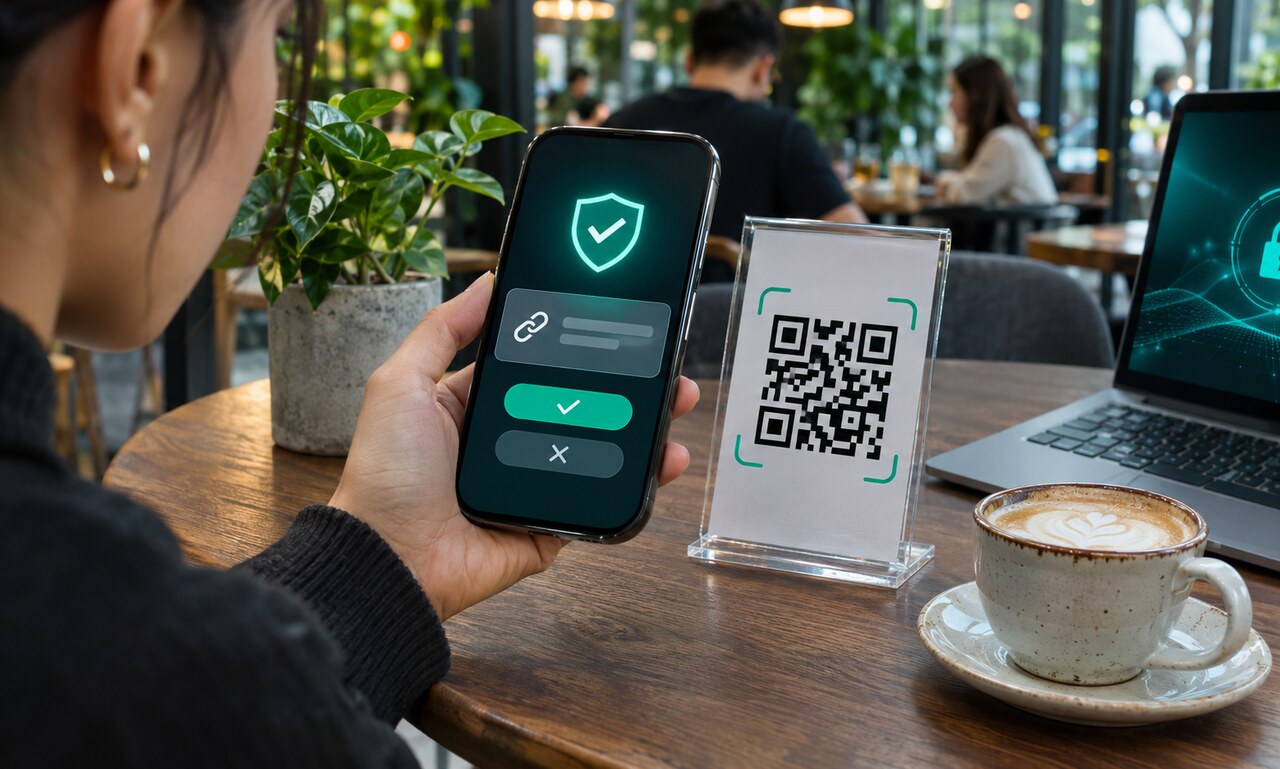
Use the camera preview before opening the page. Most phones display the destination domain first. Read it carefully for misspellings, extra words and unfamiliar endings. A familiar brand name placed elsewhere in the address does not prove the site belongs to that brand.
Be cautious with stickers. A new code can be placed over a legitimate parking meter, restaurant menu or public sign. If the code asks for payment or account access, compare the address with the organization’s official website or app before continuing.
The browser’s lock symbol only shows that the connection is encrypted. It does not guarantee that the operator is trustworthy. Do not enter passwords, card details or verification codes when the scan was unexpected or the page creates artificial urgency.
Scanning a code is not automatically dangerous; the decisions after the scan matter. Preview the destination, keep the device updated and close the page when the request does not match the setting. A few seconds of inspection can expose a disguised link.
Original educational commentary by Breaking Click. This explainer is designed to help readers evaluate information more carefully.