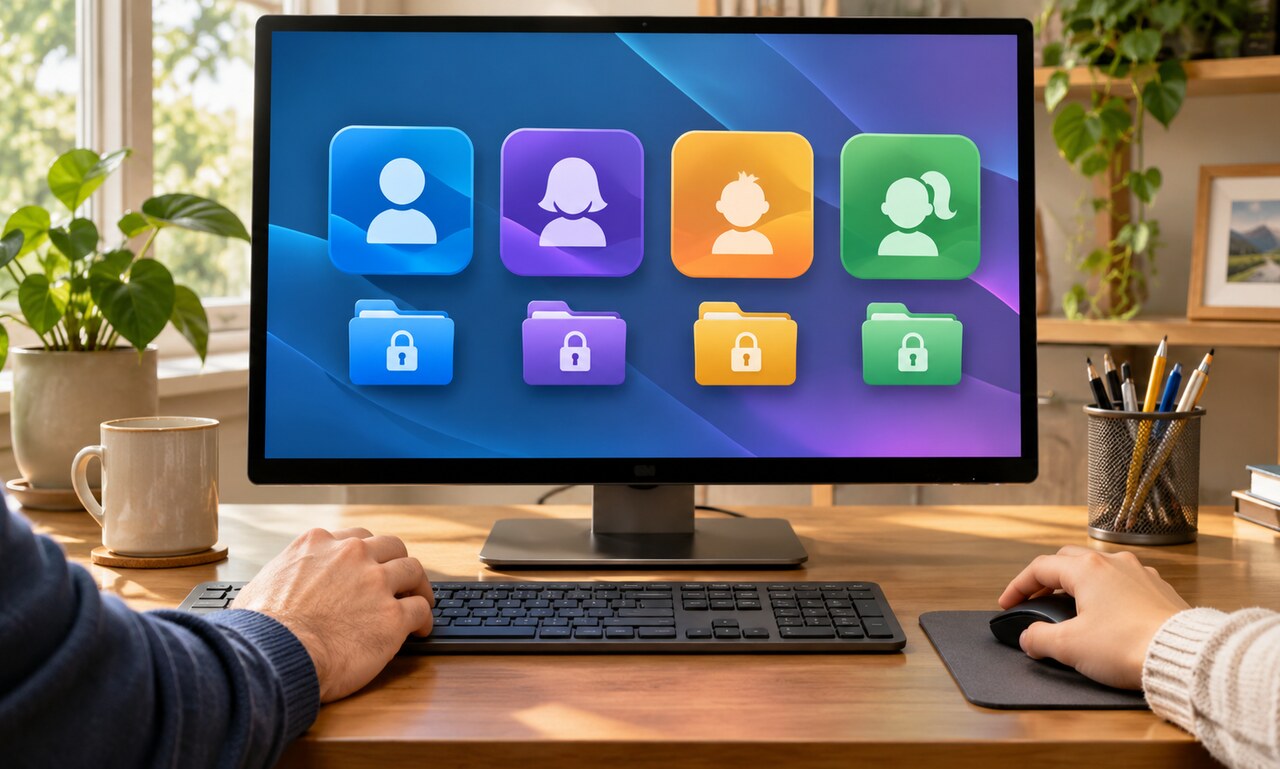
Sharing one computer account can expose saved passwords, open email sessions, private documents and browser history to everyone who uses the device. Separate user accounts create a basic boundary between those activities.
Give each regular user an individual profile and keep administrator access limited. Standard accounts can run everyday software without allowing every person to install system-wide programs or change security settings.
Use a strong sign-in method for each profile and lock the screen when stepping away. Guest accounts are useful for occasional visitors because they reduce access to personal folders and saved browser sessions.
Separate profiles do not replace backups, updates or device encryption. They protect mainly against accidental access and routine misuse on the same computer. Someone with administrator control or physical access may still reach more data.
Review shared folders and cloud-sync settings after creating profiles. Files stored in a public directory or shared browser profile can remain visible even when the operating-system accounts are separate.