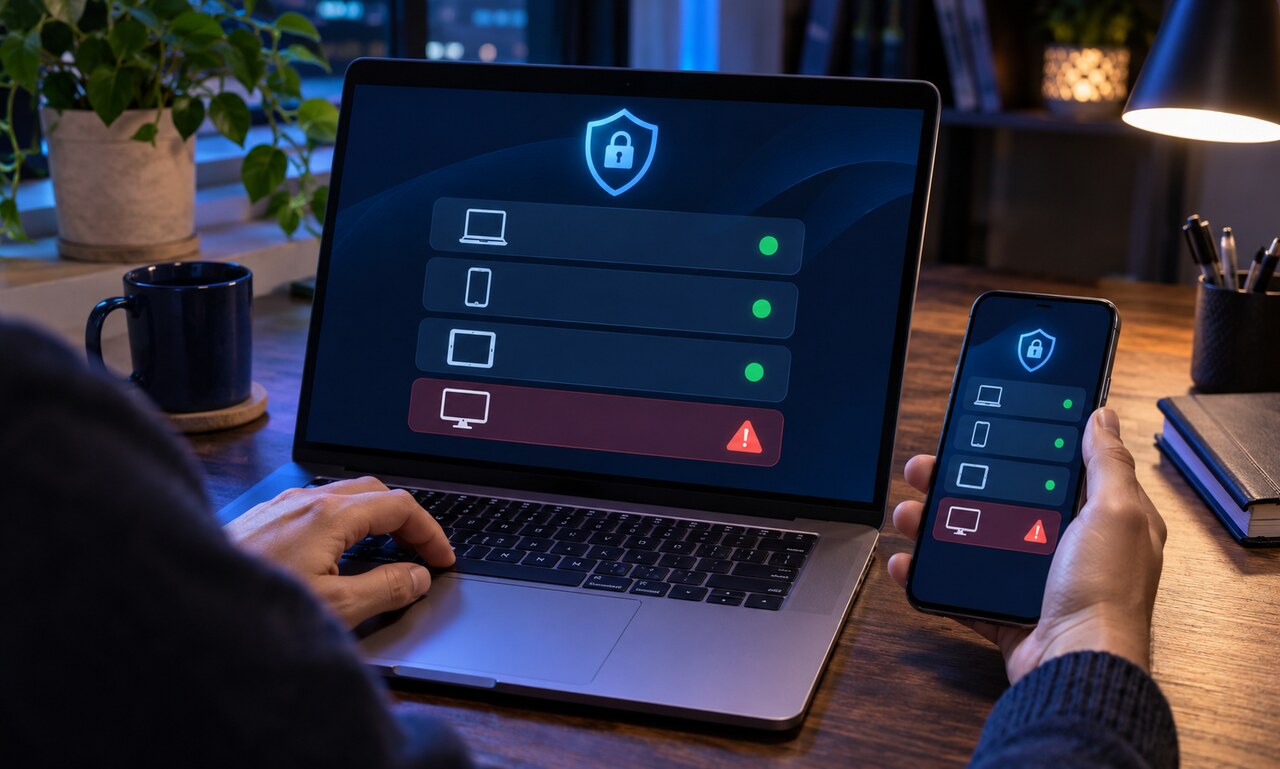
A lost phone or laptop can remain connected to email, messaging, cloud storage and social accounts even after the device leaves your possession. A screen lock helps, but the account sessions behind it should also be reviewed.
Start with the email account that controls password resets. Use a trusted device to inspect recent activity and the list of signed-in devices. End sessions you do not recognize and remove the missing device from trusted-device or remember-this-device lists.
Change passwords for high-value accounts if the device may have been unlocked or its credentials were saved. Then check recovery email addresses, phone numbers, security keys and backup codes. An intruder who changed a recovery method could regain access later.
Use the platform’s remote lock or erase feature when available, but do not assume it has completed until the service confirms the command reached the device. Contact a mobile carrier promptly if a SIM card or phone number may be exposed.
Finish by checking financial, work and messaging accounts for unfamiliar activity. Recovery is strongest when you secure the entire chain of connected accounts rather than treating the missing device as an isolated problem.
Original educational commentary by Breaking Click. This explainer is designed to help readers evaluate information more carefully.