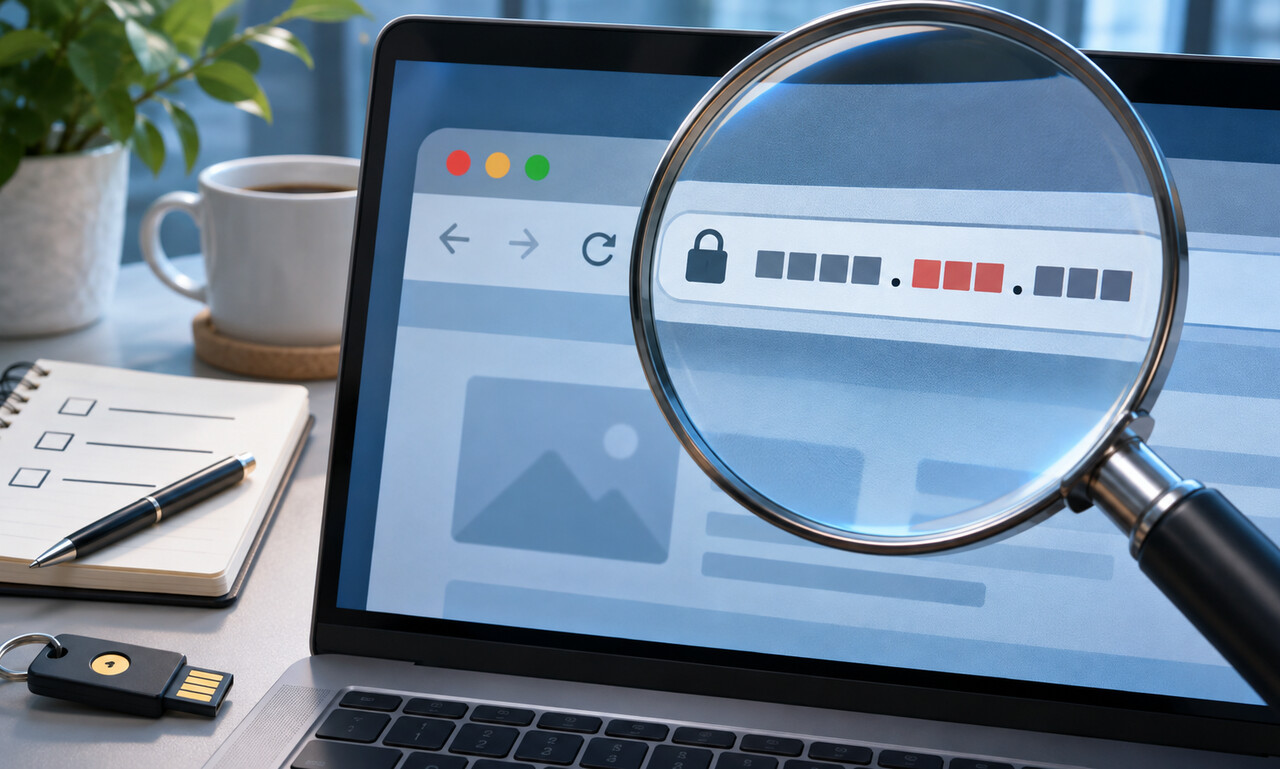
A familiar name anywhere in a link can create false confidence. Attackers take advantage of this by placing a brand or institution at the beginning of a long address, even though that text does not identify who controls the site.
Start at the first slash after the protocol and read the hostname backward. The meaningful registered domain is the name immediately before the top-level ending, such as .com, .org or a country code. Everything farther left may be a subdomain created by that domain’s owner.
Spelling tricks deserve attention too. Extra hyphens, substituted letters and unfamiliar endings can resemble a trusted address at a glance. International characters may also look nearly identical to ordinary Latin letters while leading somewhere else.
A padlock shows that the connection to the displayed domain is encrypted; it does not prove that the domain is honest. Avoid entering credentials after following an unexpected message. Open a saved bookmark, use the organization’s official app or type the known address yourself.
On a phone, expand the address bar before deciding. Link previews and shortened links can help reveal a destination, but the final loaded address still matters. A few seconds spent reading from the domain ending backward can prevent a convincing imitation from becoming a stolen account.
Original educational commentary by Breaking Click. This explainer is designed to help readers evaluate information more carefully.