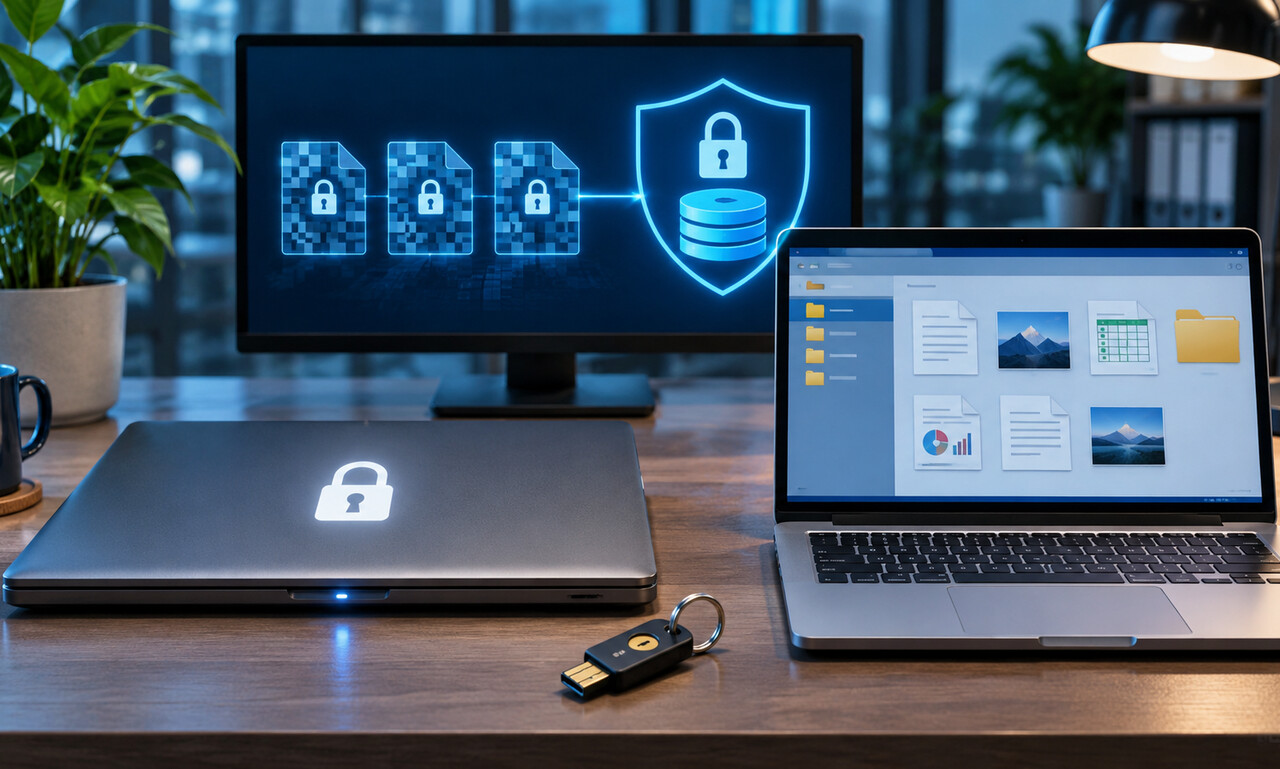
Full-device encryption turns stored data into unreadable material without the correct key. It is valuable when a powered-off or locked phone, tablet or computer is lost or stolen because removing the storage does not automatically reveal the files.
The protection changes after a user signs in. An unlocked device needs access to decrypted information so apps can work. Someone who gains control of that active session may read files, copy data or use logged-in accounts without breaking the encryption itself.
Use a strong device passcode, enable automatic locking and keep recovery keys in a separate secure place. Short screen timeouts reduce the window in which an unattended device remains open. Biometric unlocking should be backed by a passcode that is difficult to guess.
Sleep, restart and shutdown can provide different levels of protection depending on the system. Sensitive work may justify locking before stepping away and powering down before travel or storage. Software updates also matter because they repair flaws around the encryption system.
Encryption is one layer, not a complete security plan. Backups need their own protection, and synced accounts may expose copies elsewhere. Check that encryption is actually enabled, understand when the device unlocks its keys and treat an open session as accessible.
Original educational commentary by Breaking Click. This explainer is designed to help readers evaluate information more carefully.