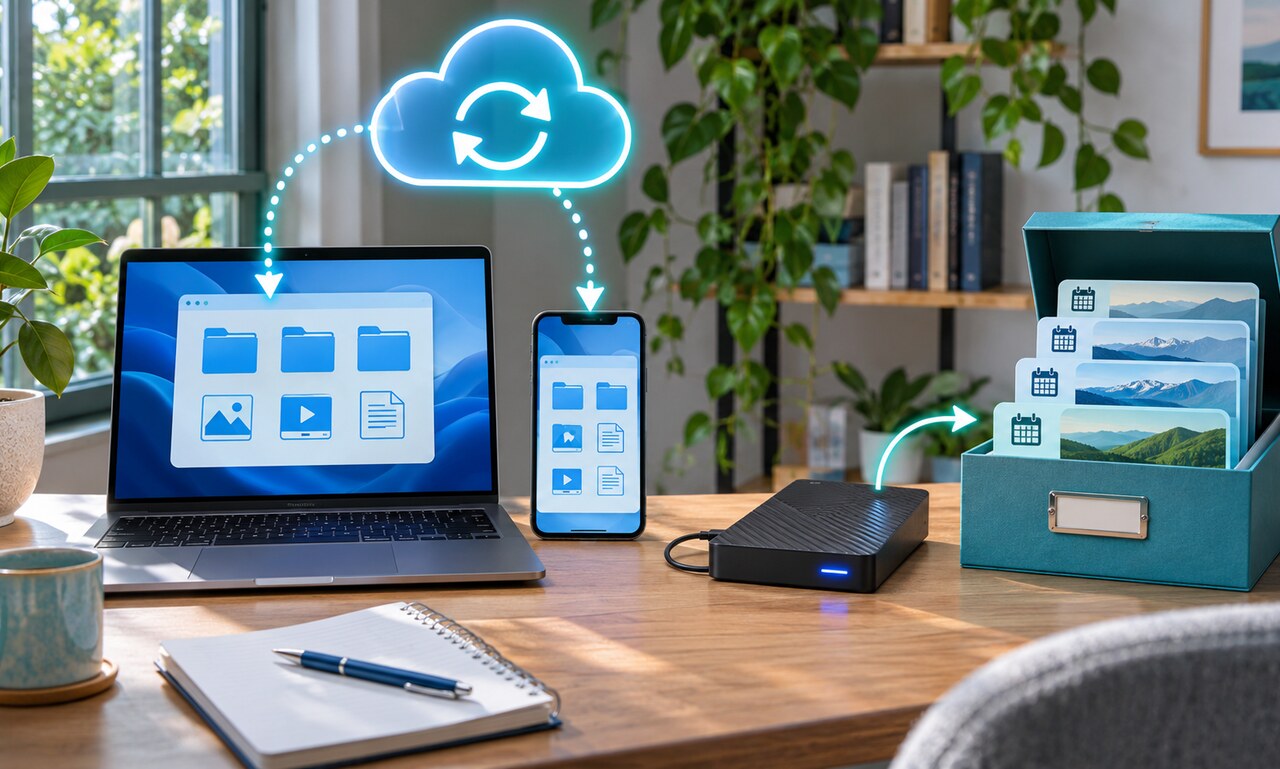
Cloud sync makes the same files available on several devices. Edit a document on a laptop and the change appears on a phone. That convenience can look like protection, but synchronization may also copy a mistake, deletion or corrupted file everywhere.
A backup keeps a separate copy that can be restored later. Useful backup systems preserve earlier versions instead of only mirroring the current folder. This separation matters when ransomware encrypts files, an account is locked or a device quietly replaces good data with damaged data.
Check what the service actually retains. Some platforms offer a recycle bin or version history for a limited period. Those features help, but they may depend on the same account and provider. They are not always a substitute for an independent copy.
A practical approach uses more than one location. Keep working files synced for convenience, maintain another copy on a separate drive or service and disconnect at least one backup when it is not being updated. Important records may also need a tested offline copy.
A backup is useful only if it can be restored. Review the schedule, confirm that new folders are included and occasionally recover a sample file. Sync protects access across devices; backups protect the ability to go back.
Original educational commentary by Breaking Click. This explainer is designed to help readers evaluate information more carefully.